
Using the Fabrication Part Tool in Revit
The Fabrication Part tool in Revit enables precise modeling of MEP systems using real elements from a fabrication database, enhancing the accuracy of construction documentation.
Advantages:
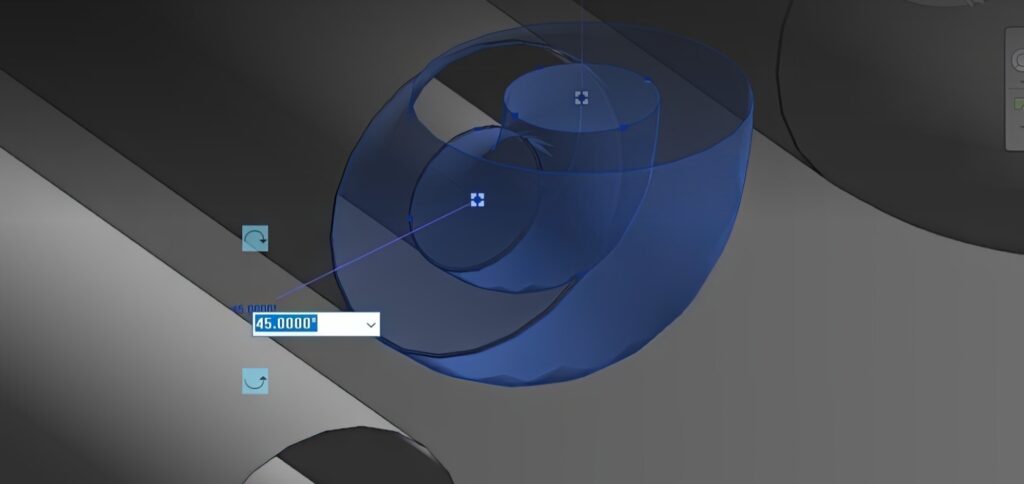
- allows you to create accurate models of piping and cable trays that correspond to real components, which simplifies coordination between design and construction.
- improves specification accuracy and reduces errors;
- allows the use of standard elements, facilitating integration with common Revit families;
- the ease of turning parts around in space. This allows you to easily customize the orientation and position of elements in the model, making it easier to work with real components and improve coordination on the construction site; start by opening your 3D model in Navisworks. Use the Clash Detective tool to begin the clash detection process.
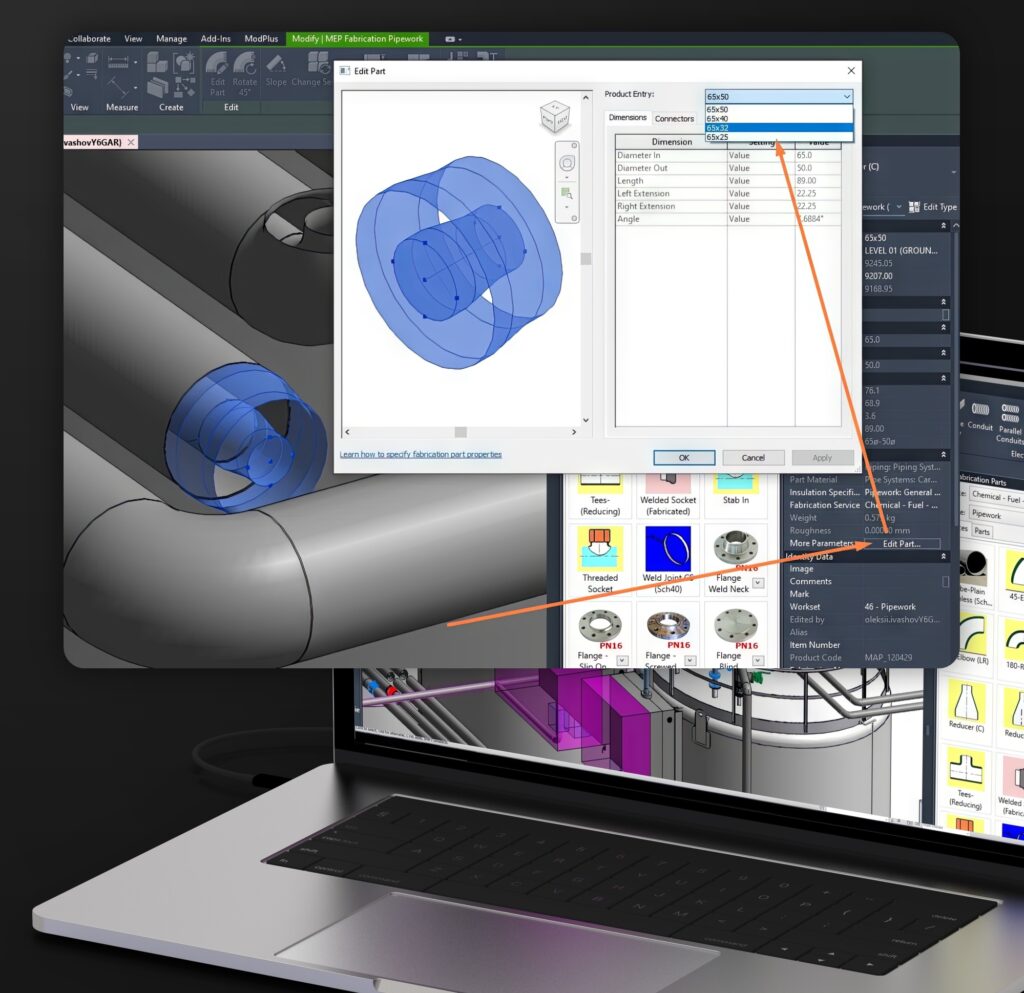
Fabrication Parts parameters are easy to change due to their flexibility and adaptability. You can easily customize parameters such as dimensions and materials through the element properties, allowing you to quickly adapt them to the needs of the project;
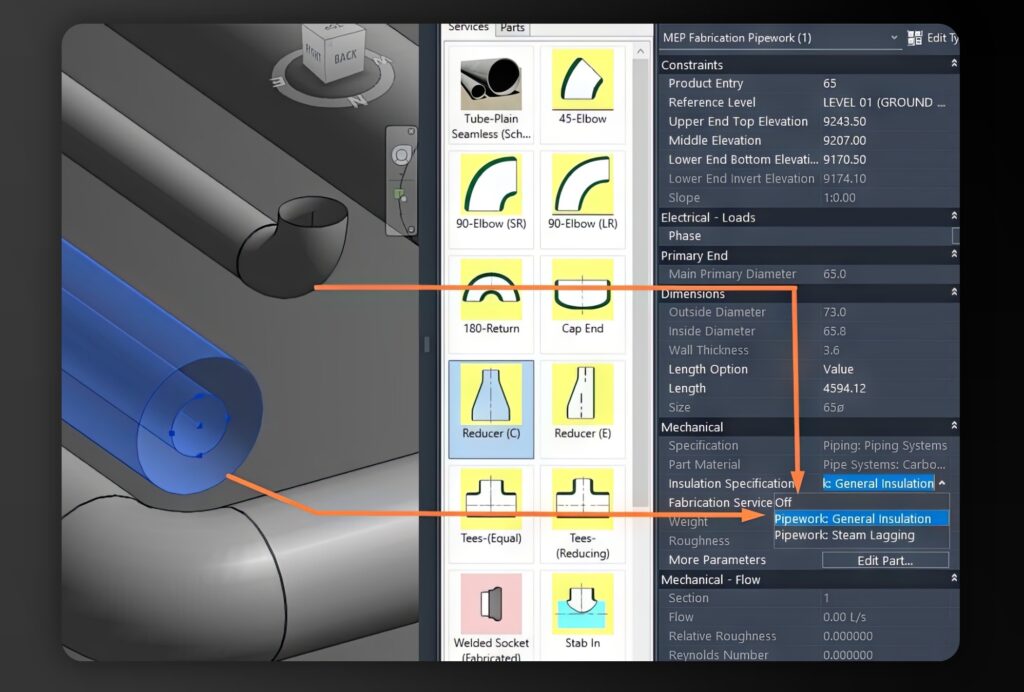
- To show the presence or absence of insulation on Fabrication Parts pipelines, simply use the appropriate parameters in the element properties. Filters or graphic replacements can also be applied to visually highlight insulated and uninsulated areas;
- Pipe slope in Fabrication Parts can be customized through element properties or by manually changing the element parameters. Revit’s standard families also allow for slope changes, but they may be less accurate for specific tasks.
Disadvantages:
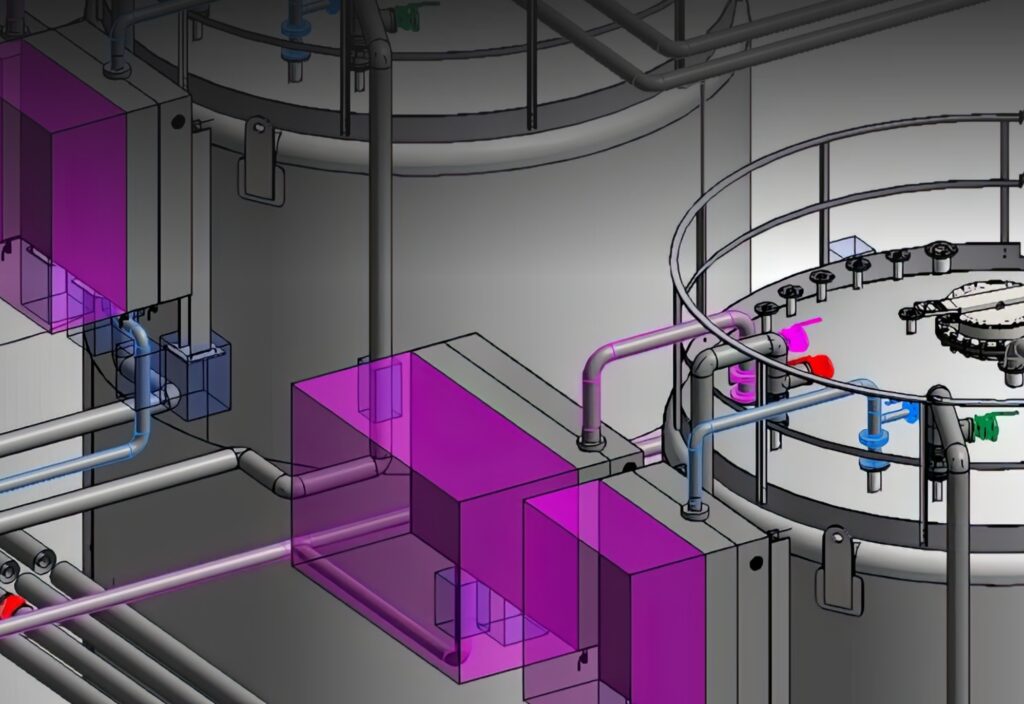
- Increased system performance requirements;
- Fabrication Parts elements typically take up more disk space than standard Revit elements. This is because they contain more data and details needed for accurate fabrication and specifications;
- limited selection compared to the regular families;
- more difficult to master.
The element bases in Fabrication Parts tools in Revit are generated from manufacturers’ catalogs. You can import ready-made bases from one model to another or create your own. Each element has specific parameters, such as dimensions, materials, and connection types.
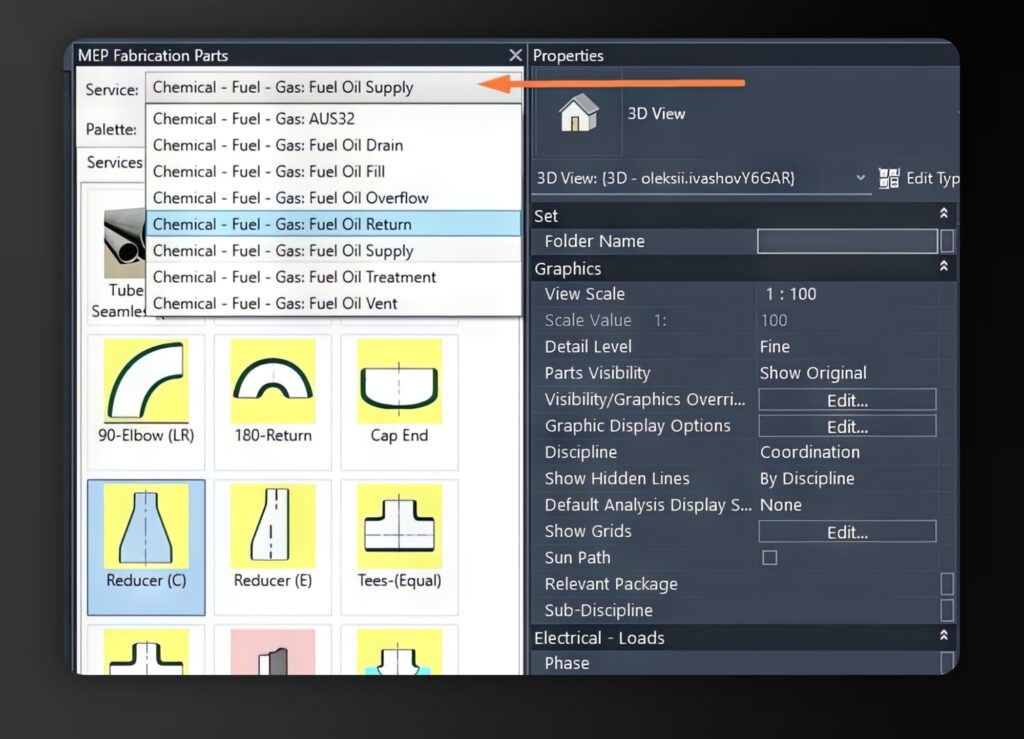
You can assign system types to Fabrication Parts, you need to open the element properties in Revit and select the desired system. You can do this in the type parameters or in the instance properties. In this way, each element will belong to a specific system.